ON-LINE TRAINING
DATES
Feb 5, 2026, Feb 9, 2026, Feb 10, 2026, Feb 17, 2026
IMPORTANT – DO NOT SIGN UP FOR THE COURSE UNTIL YOU HAVE READ AND COMPLETED THE FOLLOWING:
This course has 4 part(s):
- Part 1 – Orientation - Attendance Required!
Date: Feb 5, 2026
Time: 6:00pm, 15-60 minutes
- Part 2 – Heat Loss / Gain Course
Date: Feb 9, 2026
Time: 8:30 am - 1:30 pm
- Part 3 – Heat Loss / Gain Course
Date: Feb 10, 2026
Time: 8:30am - 1:30pm
- Part 4 – Heat Loss / Gain Course
Date: Feb 17, 2026
Time: 8:30 am - 11:30am
The TECA Heat Loss & Heat Gain Calculator
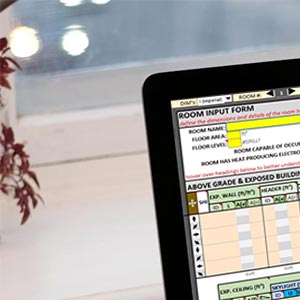
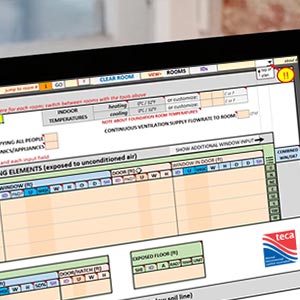
Please note that this course requires a companion software TECA Heat Loss & Heat Gain Calculator and it is not included in the course cost. Participants must purchase a copy and have it installed on their computer prior to attending the orientation. The calculator can be purchased here.
Upon registration for the TECA Heat Loss & Heat Gain course, you will be provided with an email that contains the entrance quiz study material. The quiz will be written in the Orientation (attendance required), which will take place 1-2 days before the course. Preparing for the entrance quiz will take approximately 30-60 minutes. You will receive the link to the online orientation after registering for this course.
This quiz is open book and re-writable. It is to ensure that participants in the course understand some of the fundamentals of heat loss and heat gain analysis.
In the Orientation, participants will:
- Confirm that their operating system can run the online training platform
- Confirm that they have downloaded and activated the TECA Heat Loss & Heat Gain Calculator
- Write the entrance quiz
Confirm that your internet connection, webcam and microphone are properly working.
Step 1: Confirm your internet speed
Navigate to the link www.fast.com
Ensure that your internet speed is at least 30 Mbps. Setting up closer to the router, or plugging in directly with an ethernet cable can improve connection.
Step 2: Ensure that you have a compatible internet browser, and that your browser is up to date
The recommended browsers are Google Chrome and Mozilla Firefox. Instructions on how to update your web browser can be found by clicking on the browser that you are using.
If you are using an older operating system like Windows Vista or XP, these no longer have support from Microsoft or browser teams like the Chrome and Firefox; and they won't be able to run an up-to-date browser. In these situations we highly recommend you update your operating system to a more current version.
Step 3: Confirm video sharing in your internet browser
- Navigate to the link: www.vidyard.com/cam-test
- Follow steps 1-3 and confirm your webcam is working
Step 4: Confirm microphone in your internet browser
- Navigate to the link: www.vidyard.com/mic-test
- Follow steps 1-3 and confirm your microphone is working
NOTE: If you are not able to complete any of these steps, please review the  Online Course Setup & Troubleshooting document.